
Built for High Performance
ERP Solution for Retail and E-Commerce
Connected Sales Channels Sustainable Product Portfolio Management Flexible Scalability Targeted Offers Reliable Supply Chains
Everything Your Retail Business Needs. Ready to Use from Day One.

Real-Time Visibility

Integrated Point-of-Sale Solution

Scalability & Flexibility

Omnichannel Support
ERP, Online Stores & POS – Connected in One System
One Solution. Every Channel. Retail at Its Best.
Multiple Sales Channels, High Customer Expectations, Complex Operations?
The retail landscape is changing fast – online and in-store. That’s why we provide technology that keeps pace with your business: one platform for all core operations, from warehouse and logistics management to point of sale, and from product portfolio management to a modern online store. Built for retailers who want to go further.
Core features for reliable integrations
Manage POS. Stores. Online Stores. Marketplaces. Mobile Shopping Apps. Simply Everything. Omnichannel.
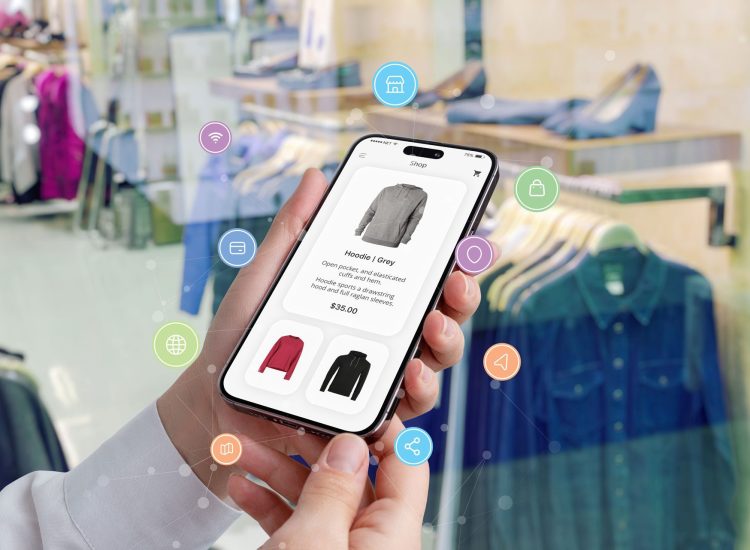
Whether you sell through stores, online shops or marketplaces, success takes more than great products. You need a system that brings everything together and keeps operations running smoothly:
- Purchasing and Sales Processes
- Inventory Management
- Integrated Logistics Connections
- Customer Service and Finance
LS Central
Connected Across Every Channel. Operations Simplified.
With LS Central, the proven retail solution, and Microsoft Dynamics 365 Business Central as your ERP foundation, you can automate day-to-day operations and deliver a consistent shopping experience across every channel. LS Central helps you:
Comprehensive POS Management
Gain real-time visibility into sales, inventory and customer preferences. Keep stores running even during network outages. Offer flexible checkout options, connect every sales channel through seamless omnichannel integration and support secure payment processing. Additional services such as events, consultations and rentals can be integrated directly into your operations, creating a consistent shopping experience across every touchpoint.
Flexible Inventory Management
End-to-end control and visibility across your entire supply chain. Manage product variants and inventory with flexibility, automate replenishment, improve purchasing and demand planning, coordinate deliveries across multiple locations, and support mobile inventory management. RFID-based loss prevention and digitized logistics processes help keep operations efficient and under control.
Customer Loyalty & Engagement
Build stronger customer relationships with loyalty programs, targeted customer segmentation, personalized offers and flexible marketing campaigns. Reach customers with relevant messages and create lasting loyalty across every sales channel.
Better Business Decisions
Comprehensive analytics and KPIs powered by Power BI, seamless integration across the Microsoft ecosystem, and anywhere access through cloud-based tools give you clear visibility into your business and the flexibility to report and analyze data wherever you work.
Customer Success Story
ERP Implementation at Swiss Fashion Brand NIKIN AG

See how the sustainable fashion brand uses LS Central to manage its retail and e-commerce operations.
Shopify Connector
Your New E-Commerce Platform Efficient. Consistent. Customer-Focused. Seamlessly Connected.

With the Shopify integration for Dynamics 365 Business Central, you get a ready-to-use solution that connects your core e-commerce processes in both directions. Custom workflows keep data flowing automatically between systems, helping you process orders, products and customer data efficiently and reliably.
Shopify & Business Central
A Powerful Combination for Your E-Commerce Business
The Shopify Connector, a Microsoft-developed add-on included with Business Central, provides full synchronization between your ERP system and online store. Get up and running quickly with a proven integration that keeps data consistent across both systems. Key benefits include:
Multiple Shopify Stores & Sales Channels
Set up and synchronize multiple Shopify stores and sales channels with ease. Customer and product data is synchronized in both directions, while support for B2B-specific requirements and extensions for managing images and metadata help keep your e-commerce operations efficient and consistent.
Inventory & Pricing Management
Real-time inventory synchronization, automatic price updates and flexible pricing structures for different Shopify stores give you clear visibility into stock and pricing across all sales channels.
Order Management & Fulfillment
Automated order import, fulfillment status updates including shipping information, complete returns and credit memo processing, and connected workflows help keep the entire order lifecycle efficient, transparent and easy to manage.
OTE Add-Ons
Smart Extensions for Retail and E-Commerce
Every second counts in retail – at the checkout, in your online store and in the warehouse. Helping you stay efficient is what drives us.
OTE Expertise and Experience for Your Business
- Integrate marketplace platforms such as Lengow (Amazon), Tradebyte (Zalando, OTTO, limango), Gute Marken (About You, Klingel) and Missforty (eBay).
- Import transaction files from leading marketplaces via CSV, including fee type management and account mapping.
- Integrate leading payment providers such as konfipay, Mollie and Pleo, as well as credit assessment and debt collection services.
Powerful OTE Extensions for Retail and E-Commerce
- Mobile Warehouse Management App
- Universal OTE Integration App for Connecting Third-Party Systems, Logistics Partners, EDI Providers and More
- Shipping Integration for DHL, DPD and DHL Switzerland
- exporto Integration for Smooth Cross-Border Shipping to Switzerland and Other Customs-Regulated Markets
What Our Customers Say
Successful retailers rely on OTE ERP solutions. Explore our customer stories and real-world use cases to see how OTE helps mid-sized businesses streamline operations, reduce complexity and improve day-to-day performance.
“OTE not only provided us with an excellent technical solution, but also supported us as a reliable partner throughout the entire implementation process and beyond. Their combination of technical expertise and customer-focused support made all the difference.”

“OTE integrated our existing ERP system with the new Business Central solution for our logistics company seamlessly and with a high level of technical expertise. The project was delivered with great care and a clear understanding of our operational requirements.”

Read the Customer Story
How Other Retailers and E-Commerce Businesses Benefit
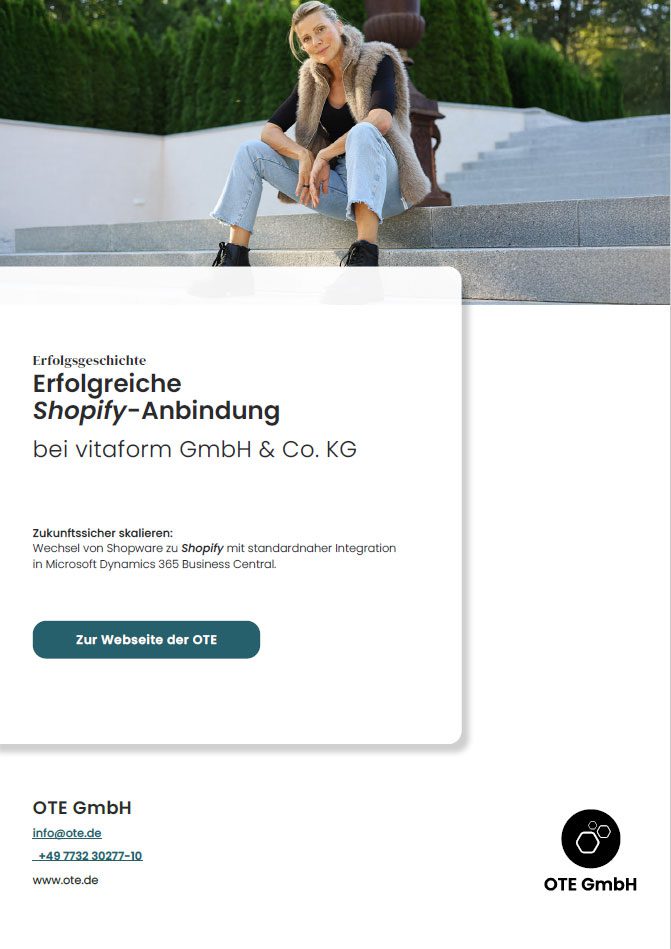
Successful Shopify Integration
for vitaform GmbH & Co. KG
vitaform moved from Shopware to Shopify, with a standard integration into Microsoft Dynamics 365 Business Central. Discover how the long-established footwear company built a future-ready foundation for its e-commerce business in our customer success story.
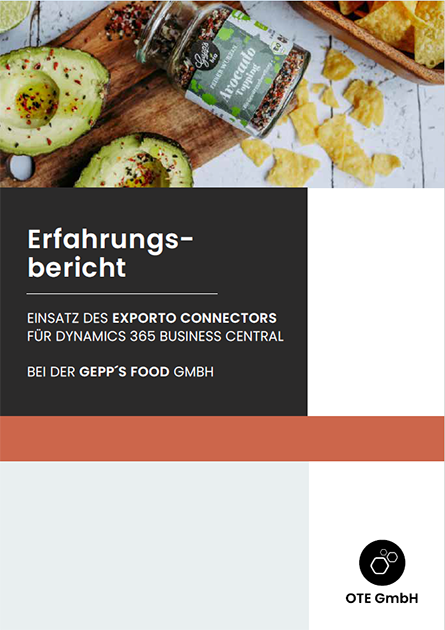
Using the exporto Connector for Dynamics 365 Business Central
Gepp’s Food uses the OTE exporto Connector to connect its ERP system with exporto’s cross-border shipping solution.
You Ask. We Answer.
FAQs
Can I customize and update my POS menu myself?
Yes. Within the same store, you can set up multiple POS terminals for different purposes. For example, separate POS configurations can be used for different sales areas, such as retail sales and café operations. You can also assign different menus and functions based on employee roles and responsibilities.
Can I assign different permissions to individual sales associates?
Yes. You can define as many roles and permission levels as needed. For example, access rights for discounts, transaction corrections or voucher issuance can be assigned based on an employee’s role, such as cashier, store manager or branch manager.
Can I connect my online store orders with POS processes, such as Click & Collect?
Yes. These capabilities are included as standard: 1) Order online, collect and pay in-store, 2) Pay online and collect in-store
Can I set up different promotions and discounts for specific customers, customer groups and product combinations at the POS, such as Mix & Match offers?
Yes. All of these capabilities are supported.
Can I use the POS system offline?
Yes. If the network connection is interrupted, you and your team can continue working at the POS without disruption. All transactions are stored locally and automatically synchronized in the background as soon as the connection is restored.
How can I deploy LS Central in my business?
You can choose from several deployment options: standalone/on-premises, in a hybrid environment or as a fully cloud-based SaaS solution.
Can I continue using my existing hardware when switching to LS Central?
Yes. LS Central is web-based and compatible with all major devices.
Does the system provide the KPIs I need?
Yes. A wide range of reports is available and can be analyzed by company, store, POS terminal or cashier. Examples include end-of-day reports, ABC analyses, and X and Z reports.
Can I set up automatic replenishment?
Yes. The system supports a variety of replenishment parameters, including min/max stock levels, seasonal demand and historical sales data. Replenishment can be triggered manually or fully automated, depending on your requirements.
Can I manage loyalty programs, customer cards and bonus schemes?
Yes. LS Central supports a wide range of integrations with both internal and third-party loyalty and rewards programs.
Yes. Common payment methods are included as standard, including PayPal, credit cards and vouchers.
I already have an ERP system and would like to connect an online store. What would you recommend, and what do I need to get started?
Depending on your ERP system, we generally recommend Shopify due to its extensive API capabilities and straightforward implementation. To get started, you will need a Shopify account and an active Shopify subscription. If you are using Microsoft Dynamics 365 Business Central, the integration can be completed in just a few minutes using the built-in Shopify Connector, which enables a ready-to-use connection between both systems.
For ERP systems that do not offer a standard integration, we can develop a custom connection to ensure reliable data exchange between systems. Shopify provides a comprehensive API, making it possible to integrate products, customers, orders and other business data efficiently and securely.
I already have an online store and would like to connect it to Business Central. What is the best way to get started?
For Business Central, Microsoft provides a standard Shopify integration that can be up and running in minutes. Simply install the app, configure the data exchange and start connecting your e-commerce and ERP processes. For other online store platforms, OTE can develop a custom integration based on the platform’s API to ensure reliable data synchronization and smooth day-to-day operations.
I’d like to move from my current online store to Shopify. How can I migrate the data and order history from my existing store?
Most e-commerce platforms provide export functionality for historical data. Shopify, for example, allows you to import existing data using CSV or XLSX files, making it straightforward to transfer products, customers and other business information from your previous system.
How does master data migration and import work in Shopify?
If master data is being migrated directly into Shopify, CSV and XLSX import options are available. When Microsoft Dynamics 365 Business Central is used as the ERP system, master data can be synchronized automatically through the standard integration.
Which payment methods can be offered through Shopify?
Yes. Shopify supports all major payment methods, including PayPal, credit cards, debit cards, TWINT, Stripe and many others.
Can I manage multiple online stores with the same ERP system?
In Business Central, each Shopify store can be set up as a separate store entry and managed independently.
Which file formats can be exchanged with Shopify?
Shopify exchanges data in JSON format. This data can be processed directly through APIs and, if required, transformed for use in other systems. Microsoft Dynamics 365 Business Central supports JSON natively and can read and process Shopify data directly through the standard integration.
Which API types are available in Shopify (REST or GraphQL)?
Shopify offers a range of APIs for different integration scenarios. An overview of the available APIs can be found here: https://shopify.dev/docs/api
Can web stores other than Shopify be connected to Business Central?
In addition to Shopify, OTE has extensive experience integrating other e-commerce platforms, including Shopware and GastroPort. We support businesses throughout the entire integration process, from planning and implementation to reliable day-to-day operations.
How much effort is typically involved in integrating an online store?
If a standard integration is already available, you should typically allow for at least four person-days to cover the integration setup, master data migration, and integration and functional testing.
If no integration is currently available, the development of a custom integration must be included in the project scope. In this case, the overall effort typically increases to ten or more person-days. This estimate includes the development, testing and documentation of the integration.
Are there Shopify test stores available for testing and development?
Shopify allows you to set up dedicated staging stores to test new features, integrations and workflows before they go live. You can also place your existing store into a test mode, making it possible to validate changes and configure new functionality without affecting live operations. A staging store is a separate store instance that remains independent from the production environment.
The Technology Behind It
The Advantage of Integration:
Built on LS Retail and Microsoft Dynamics 365 Business Central

Online, Mobile, In-Store: Modern Retail Is Everywhere. LS Central is LS Retail’s retail management solution, bringing every part of your retail operations together in one system – from point of sale and e-commerce to back-office processes and headquarters. This gives you clear visibility across stores, products, inventory and customers at all times, helping your teams work more efficiently and adapt as your business grows.

Microsoft Dynamics 365 Business Central provides the foundation for LS Central’s retail capabilities. Benefit from end-to-end ERP support across purchasing, sales, inventory, logistics, finance and reporting. Built for the needs of growing businesses, the modern cloud-based platform integrates seamlessly with your Microsoft environment and keeps your operations connected in one system.

Automation, integrations, advanced reporting, powerful analytics and built-in Microsoft Power BI capabilities give you the visibility you need to make informed business decisions and keep your business moving forward.












We Look Forward to Hearing From You.
We are happy to answer your questions, give you a demo of our modular solutions or discuss potential approaches for your ERP project in a no-obligation initial consultation.